Build faster with the 160+ webflow component library
Discover reusable Webflow components, UI sections, layouts, and templates designed to help designers and developers build responsive, professional websites faster.

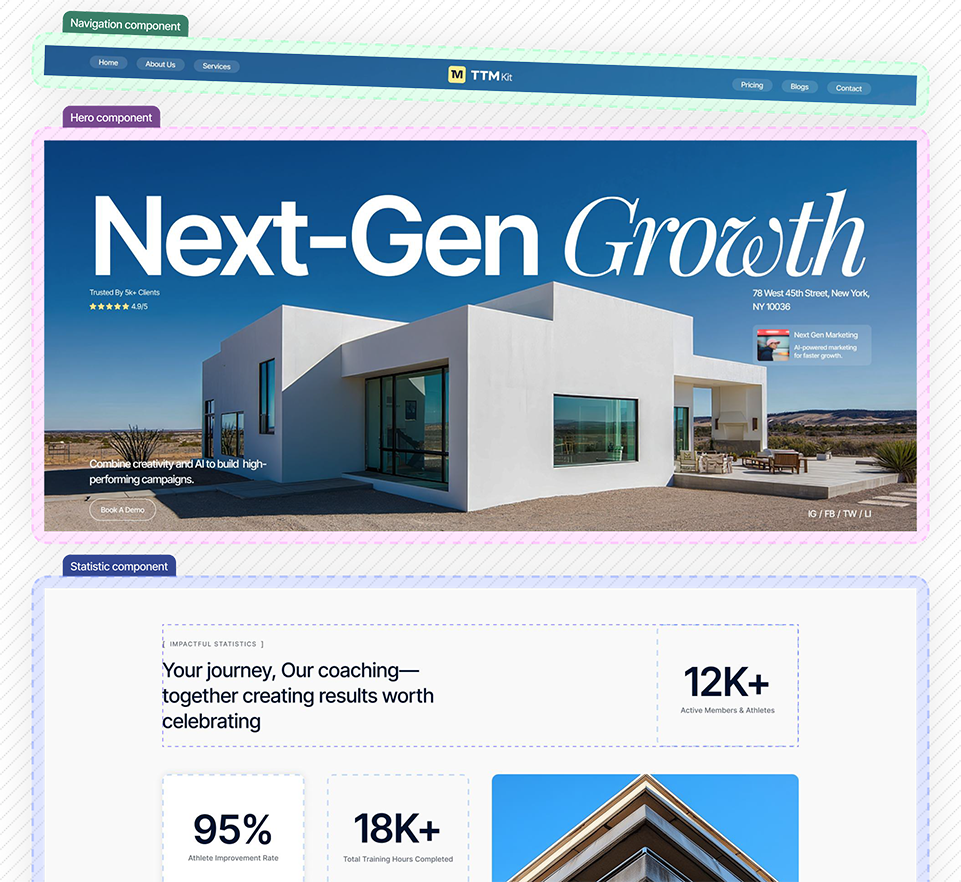





A growing library of 200+ ready to use components
Why choose ttmkit?
Built for designers, developers, and agencies looking to create polished websites faster with flexible, production-ready components.

Save time, Build faster
Speed up your workflow with crafted components that help you create polished pages faster and simplify the process.

All essential components
Explore a collection of ready-to-use components covering the essential sections and layouts needed for modern websites.

Clean, Consistent & Scalable
Create a cohesive visual experience with thoughtfully designed that are easy to customize your website.

Use anywhere, Anytime
Adapt components to different pages, layouts, and projects while maintaining a consistent look and a smooth user experience.
Build faster with new components
Built for designers, developers, and agencies who want to create beautiful websites faster with reusable, production-ready components.

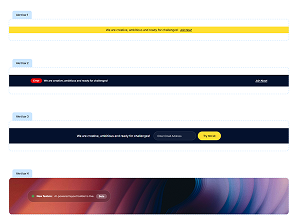
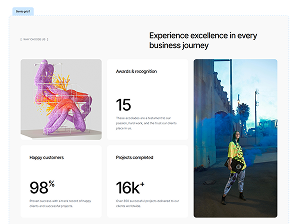

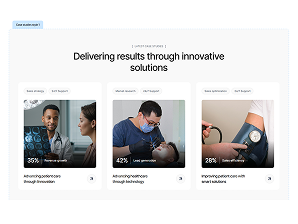

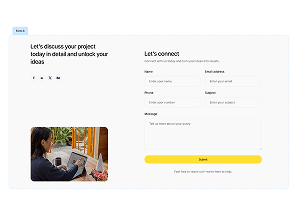

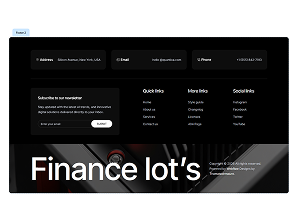
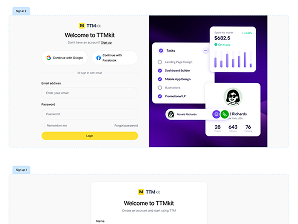
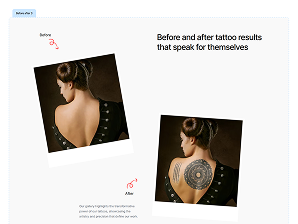

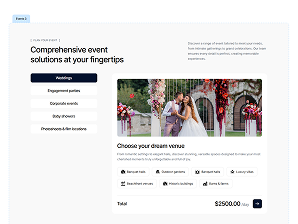

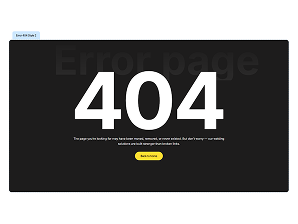
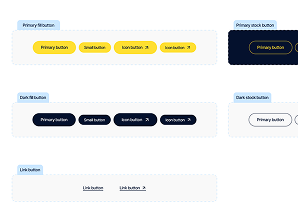
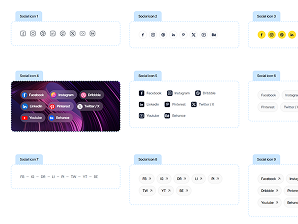
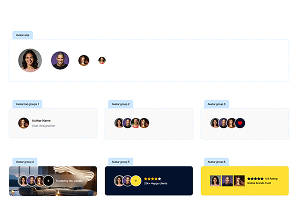
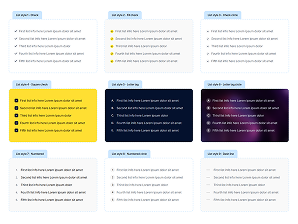
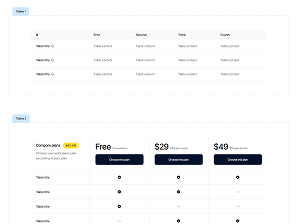
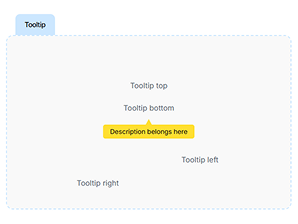
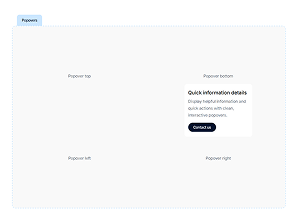

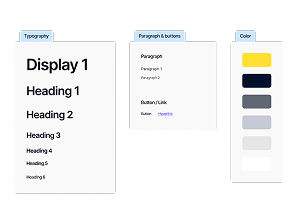
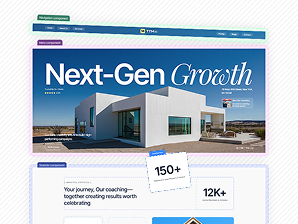
Typography, colors & components

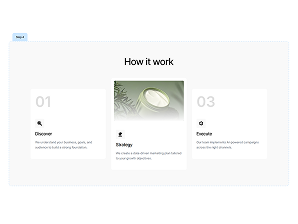
How it works
Get started in few clicks and start building amazing websites.



Your questions answered

TTMkit includes collection of ready-made Webflow sections, components and styles that make website building faster and more consistent.
Yes, TTMkit is structured to be simple and accessible, so you can start building with the library even if you have limited Webflow experience.
Yes, TTMkit provides a consistent structure and reusable components that make it easier to create and manage larger websites.
Yes, you can easily update colors, typography, spacing, content, and other visual elements directly within Webflow.
Yes, the layouts are built with responsive Webflow practices so you can adapt your pages for desktop, tablet, and mobile screens.
Yes, TTMkit can be used as a starting point for client and commercial projects, subject to the applicable TTMkit license terms.